
Graphic design
Business cards, brochures, decks and packaging.
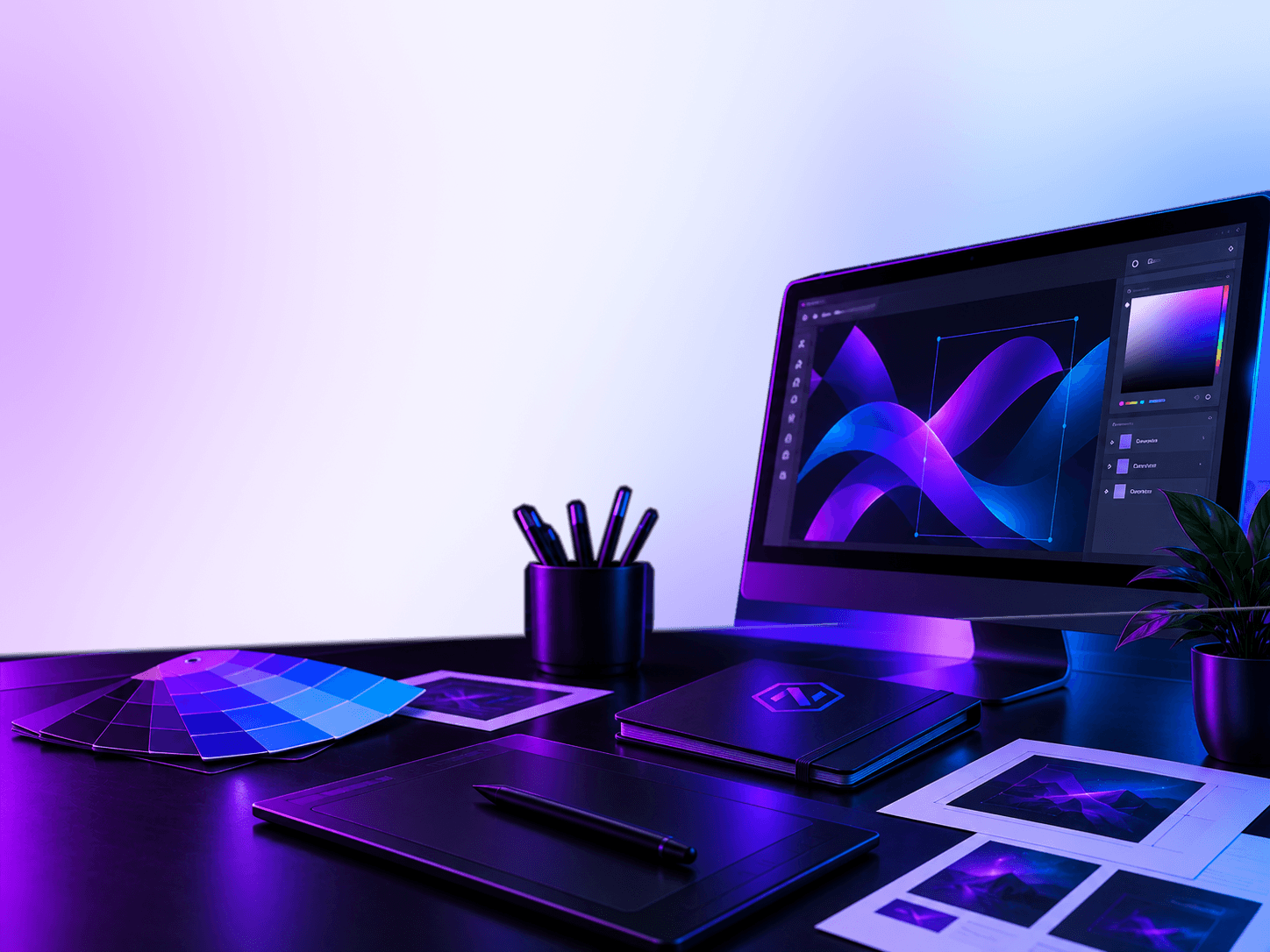
Graphic design follows the identity: the logo and colours exist, but every new deck, brochure or post is built from scratch and comes out different. We produce the material in one pass and one style, and prepare it for the medium it's going to. For print that means CMYK, bleed and outlined type, so the printer accepts the file first time. You get print and screen files, the working files, and templates for the items you'll make often.
This project is for you if
Graphic design follows the identity. Here is when it gets called in.
You have a brand but no material
The logo and the colours exist, but every new deck or post is built from scratch — and every one comes out different.
The material looks cheaper than the product
The quote is a text document, the deck came from a stock template, and the service is high end. The gap shows precisely where the decision gets made.
You have a deadline and a list
A trade fair, a campaign, a season. The material gets made in one pass so it comes out in one style, instead of being added to every month.
The printer keeps rejecting your files
They want CMYK, bleed and a given resolution. What you have was made for screen and doesn't pass.
What gets ordered most often
The scope is assembled from these pieces, according to the goal and the medium.
- Print collateral
- Business cards, letterheads, folders, brochures, flyers. Prepared in CMYK with bleed and correct resolution, so the printer accepts the file first time.
- Presentations
- Layouts for a sales or investor deck: master layouts, chart and table styles, and a file the team can carry on with themselves.
- Social material
- Templates for posts and stories at each platform's sizes, so text doesn't get cropped and the logo doesn't fall inside the unsafe area.
- Ads and banners
- Sets in the standard advertising sizes, with copy that stays legible even at the smallest format.
- Packaging and labels
- Artwork built to the dieline of the actual pack, with a legibility check on the information that has to be there by law.
From the list to files for the medium
Four phases. At each one you know what we need from you and what you get back.
List and requirements
We settle what exactly is being made, at what sizes and for which medium. The printer and the platform set the technical requirements — which is why we ask them at the start, not at the end.
- From you
- A list of the items, and the technical requirements if you already have them.
- You get
- An agreed scope with a deadline.
Content
We collect the copy, photos and figures that have to go in. Layout follows content — the other way round leads to rework.
- From you
- Copy, photos and partner logos, if there are any.
- You get
- Ordered content, ready to be laid out.
Layout
We take the first item all the way and review it with you. Once the style is accepted, the rest follow it.
- From you
- Notes on the first item.
- You get
- An accepted style and the laid-out material.
Prepress and export
For print — CMYK, bleed, outlined type and sufficient resolution. For screen — exact sizes and file weight. The check happens before handover, not after the printer sends it back.
- From you
- The printer's or the platform's specifications.
- You get
- Files prepared for the specific medium, plus the working files.
What this looks like in practice
Two of the most common situations, and how we approach them.
A trade-fair set with a fixed date
A roll-up, a brochure, business cards and a screen banner, all on the same deadline. We start from the printer's requirements, because they determine how the file is built, and we make the brochure first: it carries the most content and sets the style for everything else.
A deck the team maintains themselves
The sales team builds a new presentation every week. Instead of one finished file, we set up master layouts and styles, so the next deck gets assembled from ready parts rather than rebuilt each time.
What you're left with
Exactly what lands in your folder at the end.
Print-ready files
PDF in CMYK with bleed and outlined type — the format printers accept without sending it back.
Screen files
At each platform's exact sizes and optimised for weight.
Editable templates
For the items you'll produce often, we leave a template the team fills in themselves.
Working files
The sources, not only the exports.
A usage note
Which file is for what, and what to watch for if a reprint is placed elsewhere.
What we build it with, and why
The tool follows the medium, and prepress is a separate step.
Layout
- Figma
- InDesign
- Illustrator
Multi-page material is set in InDesign, vector work in Illustrator, screen work in Figma. The tool follows the medium rather than habit.
Prepress
- CMYK
- Bleed
- Outlines
- 300 dpi
Checking for print isn't a glance: colour profile, resolution, distance from the trim and outlined type are each verified separately.
Handover
- PNG
- Templates
- Sources
Separate folders for print and for screen, so a screen file never ends up at a printer.
What people ask before we start
Ready to build something exceptional?
Get a free, no-pressure quote. We'll reply within 24 hours on working days.